I thought it just me. It actually happens. I have been trying to stop the app, clear storage cache, toggle the “Always show images”, still not working. Even re-install the app does not work.
No, i receive mails from a Webcam with one jpg as attachment. In V17 the jpg was displayed immediately at the bottom of the mail, in V18 there is a only a line over the body/text with the name of the jpg with a paper clip icon. Then you have to click “view” on the right. Then at the bottom slides in “attachments” and then you have to click again on the attached jpg-name to open it with the internal viewer as seperate image.
same here, the pictures attached now needs 2 clicks more to be opened and no more preview os available and no options to disable this annohing behavior…
I’m just relieved I found out I’m not alone. I was digging to my camera email settings to find out what is wrong. I rolled-back to 17 version of course. It is incredible after so many years that developers are trying to ruin the app instead of improving. I’m wondering if any developer TEST the app before uploading to playstore….
The designers provided the following feedback on the previously mentioned github report.
Hey everyone, I’m Aly one of the new designers on the team! I wanted to jump in and say thank you all so much for the thoughtful feedback. We really appreciate you all sharing the challenges and suggestions to fix the issue.
Here is what we are thinking:
We are going to bring back the image cards at the bottom, but still keep the “attachments” view all in the header
The whole “attachments” row in the header should be clickable, not just the “view all” so it’s easier to interact with
We won’t display the cards at the bottom for the images that are inline in the body to avoid duplication
Hi Zeroid,
i always read only about inline images. But does this also repairs the following issue:
If i get a mail with one image file as attachement, the image shows Immediately in the body without any click after opening the mail?
My read on the statement is that image cards at the bottom will be returned to display attached images. Given the statement excludes inline images at the bottom, I think it’s safe to assume for attached images (as displayed in previous app versions). The designer also states on github …
yes, these changes will make sure the images are shown!
I also read that other attachment types will remain at the top of the email header. Clicking anywhere in the attachment row will display the attachment list, not just clicking on the ‘view all’ text.
For those who are still back on version 17 or waitung for a fix. Version 20 did NOT fix the problem.
Attached images are still not shown immediately in the mail.
After 97 days of agonizing pain (in my finger), the cobra died. Uh sry i mean the bug is fixed.
In Version 21 attached images are again shown immediately in mail.
Thx to all.
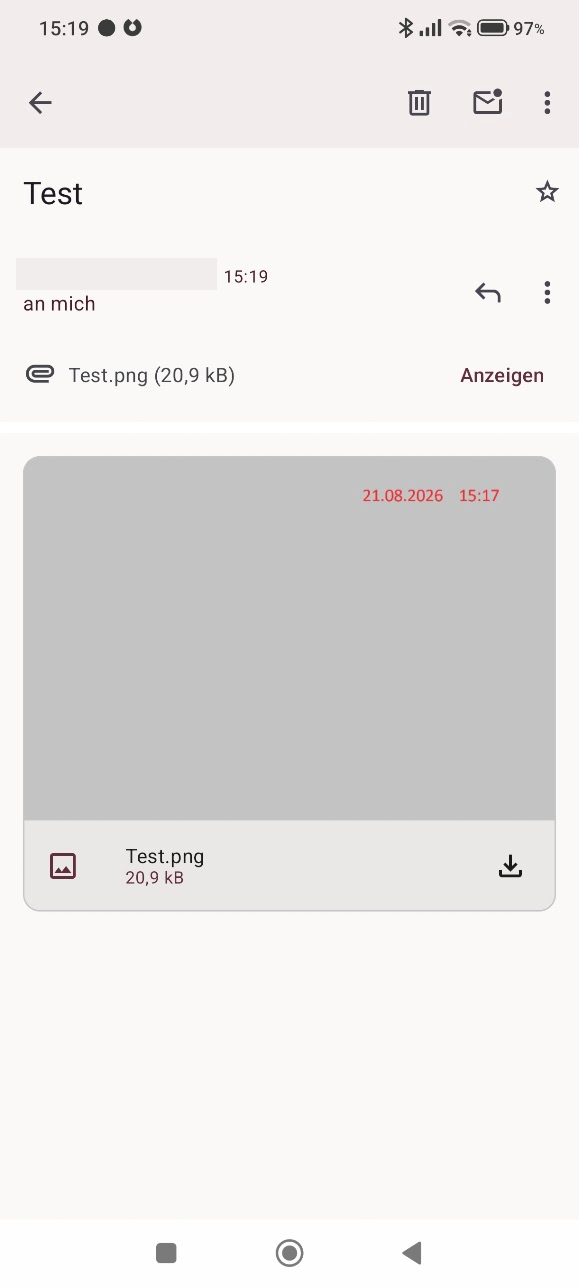
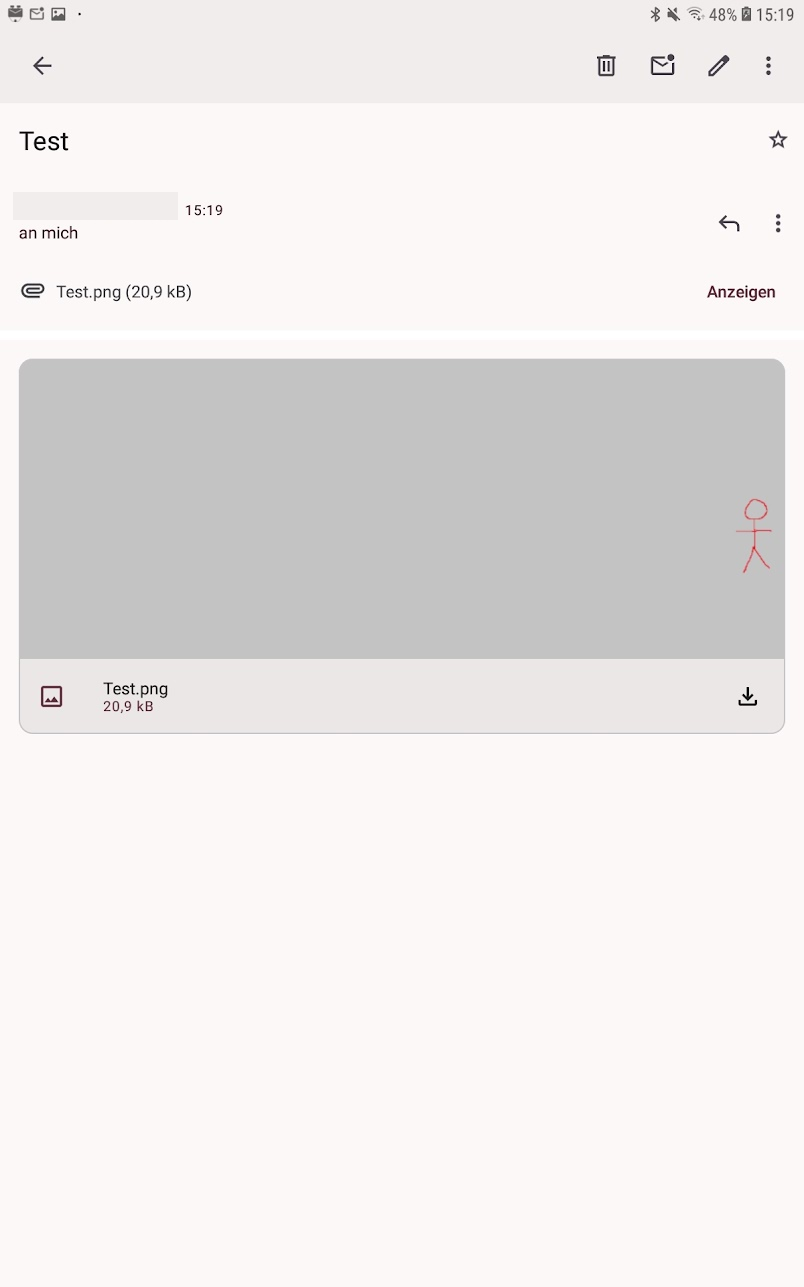
One thing i struggle with the new solution. The preview image is now cropped strong.
It depends of the aspect ratio of the device. On my mobile it is cropped left+right, on my tablet it is cropped top and bottom.
Since i use the preview for attached surveilance images, i often don’t recognize for example a motion on the right border because it is cropped. So i often have to open the image to see the whole image.
Perhaps this could be change to see the whole image in the preview, maybe with a option.
 Is there way to prevent that?
 one of the new designers on the team! I wanted to jump in and say thank you all so much for the thoughtful feedback. We really appreciate you all sharing the challenges and suggestions to fix the issue.
 We are waiting 4 versions to fix something that it was working just fine (not a new feature). Nice support…